E2®
Join

E2 on Mobile

The whole network, in your pocket.

E2, the university, the arcade and our videos were all built phone-first, because that is where our people actually are. This page is the proof, rendered on real phones. Even the menu at the top of this page is the new phone menu: try the two lines.
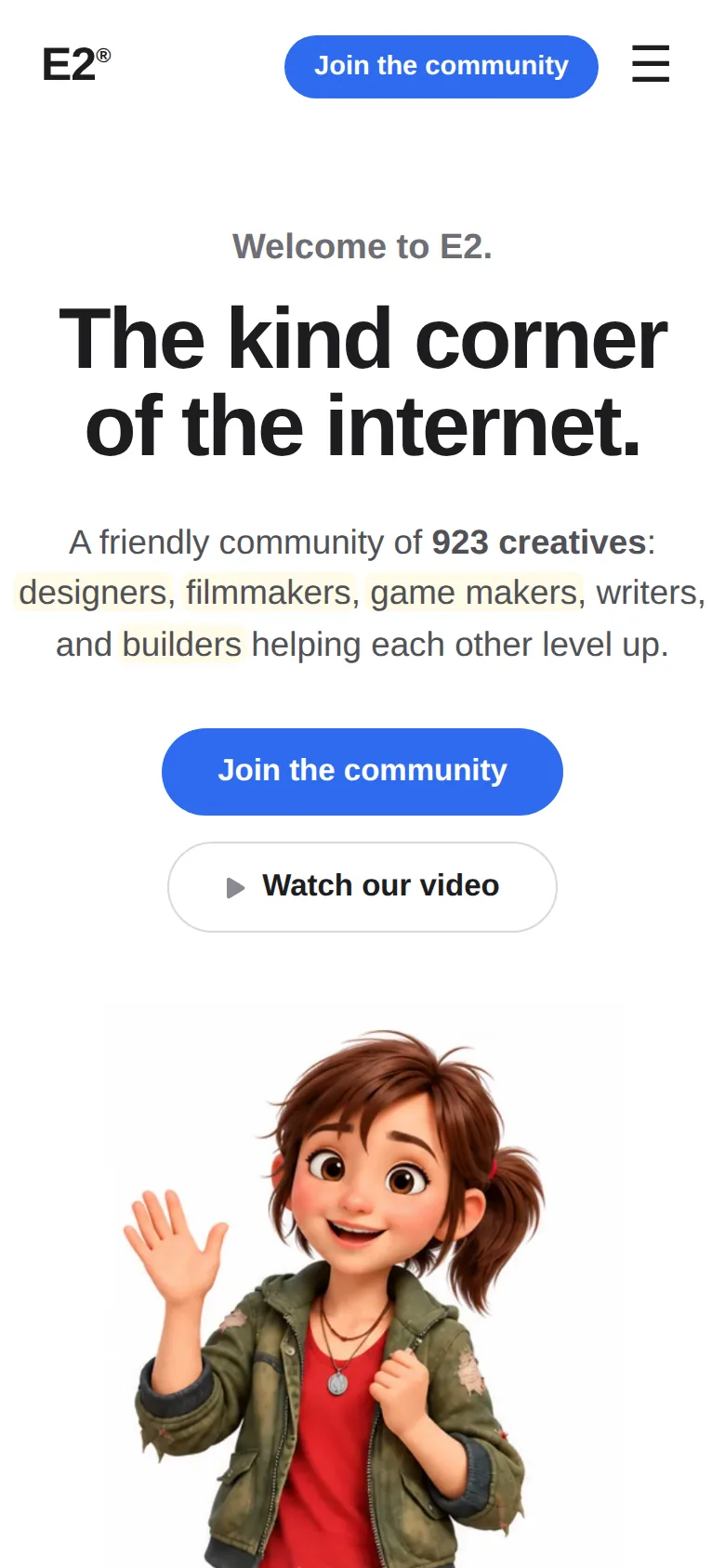
The E2 homepage on a phone: The kind corner of the internet, with Sally waving

The data: how much of the web is a phone?

The share of web visits that happen on a phone, one clear estimate per place. The trackers argue by a few points, so each number is the average of the major public counts, not the rosiest one.

72%
Philippines
79%
India
52%
United States
68%
Indonesia
81%
Nigeria
62%
The whole world

Estimates for 2025 to 2026, averaged across StatCounter GlobalStats and Cloudflare Radar country counts of web visits by device. Read it plainly: in the Philippines and India, about 3 out of every 4 visits are on a phone, and even in the United States, the most computer-heavy big market on Earth, phones still win.

Mobile is not the small version. It is the version.

Most of our community meets us on a phone: in the Discord app, on a commute, on a break at work. If a page only works on a big screen, for most people it does not work at all. So across the whole network, the rule is simple:

Phone-first, always

Every page is designed for a phone screen first, then stretched up for desktop. Never the other way around. Big type, one clear column, nothing hiding off the edge.

Checked with our eyes

Before a page ships, we render it at real phone size and look at it, the way you will. The screenshots on this page are exactly those renders, not mockups.

Fast and thumb-friendly

Our house speed standard is three quarters of a second, buttons are sized for thumbs, and menus open full-screen so there is nothing fiddly to tap. Slow or cramped counts as broken.

The network, on phones

Four front doors, one pocket. Each of these is a live screenshot at iPhone size.

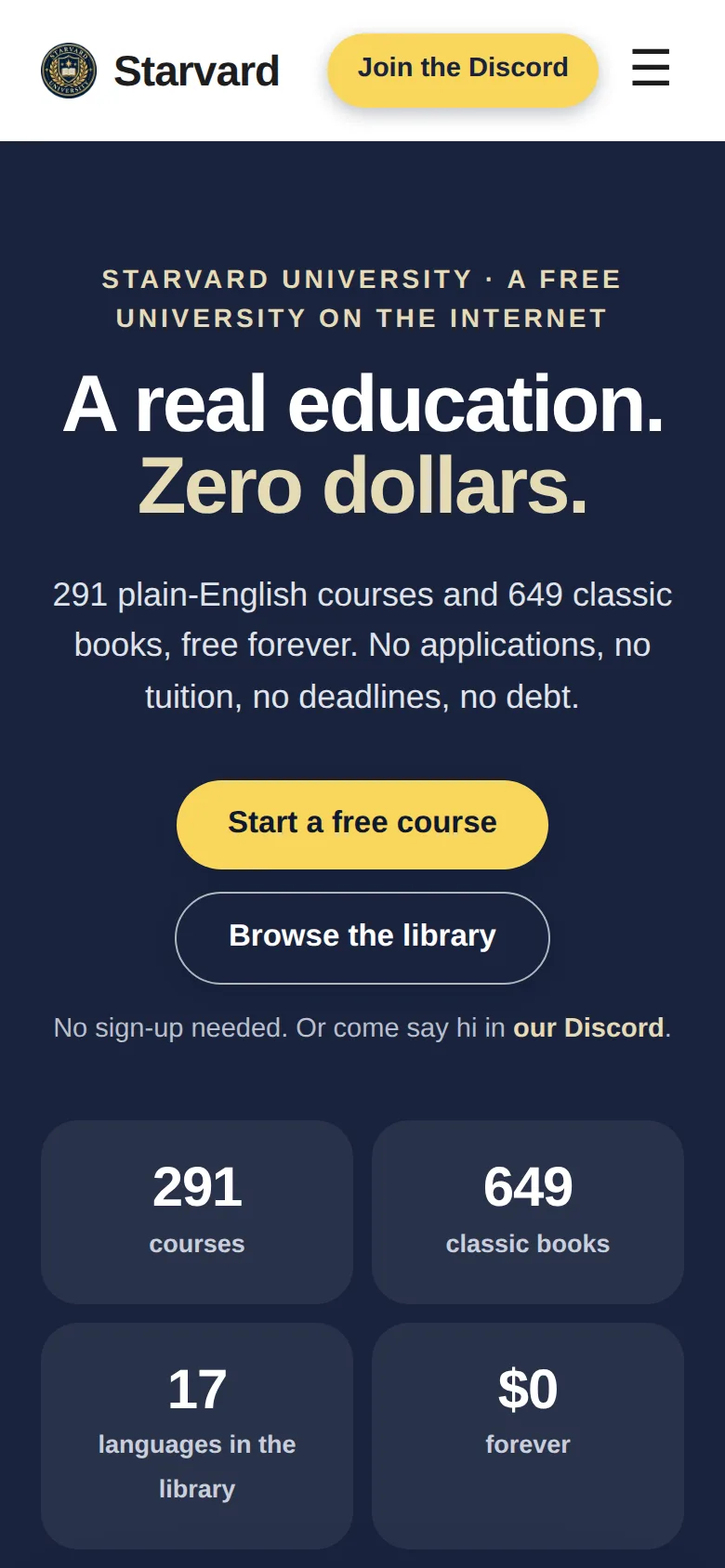
Starvard University on a phone: A real education. Zero dollars. 291 courses, 649 classic books

The University

Starvard.

A real free university that fits in a pocket: 291 courses and 649 classic books in 17 languages, with big tap targets and lessons that read beautifully on a small screen. Studying on the bus counts.

Visit starvard.org
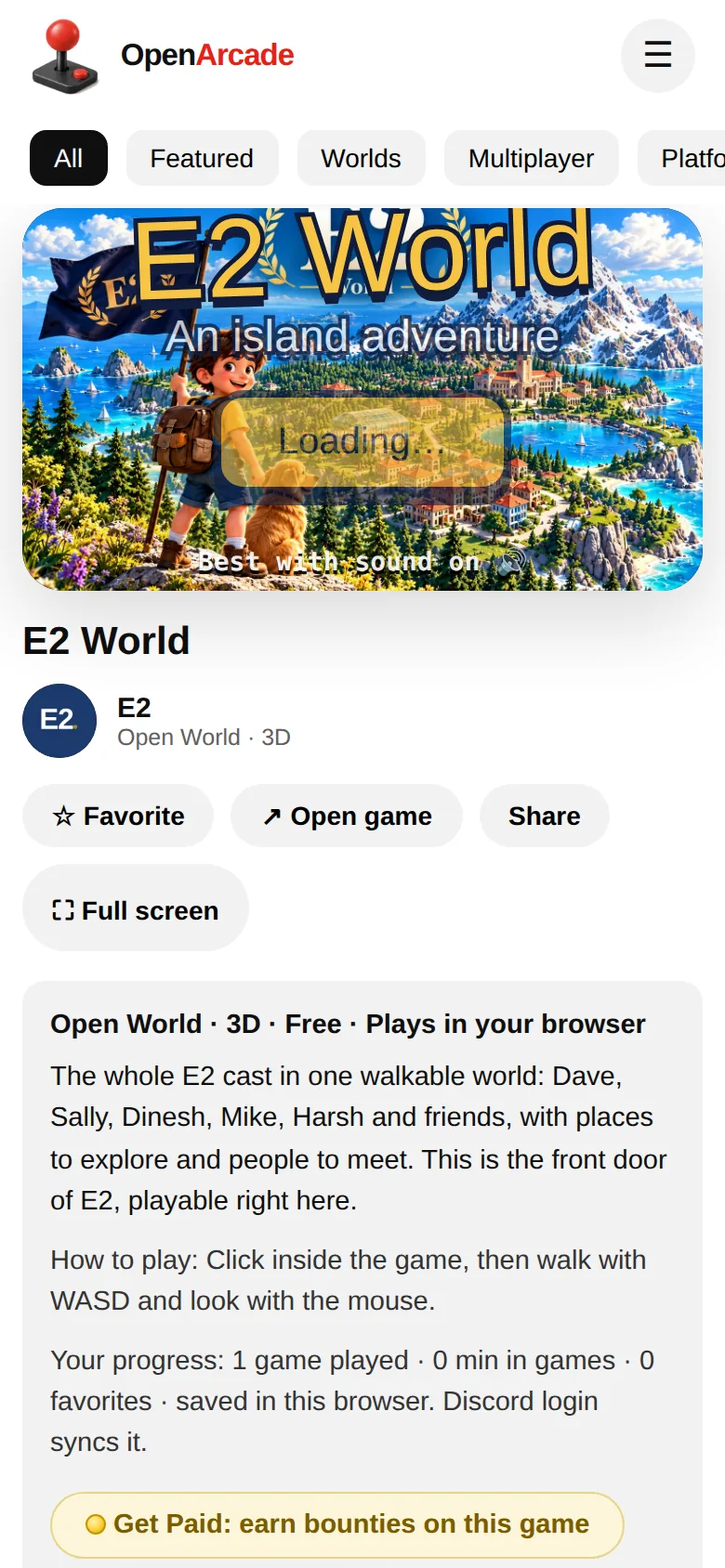
Open Arcade on a phone: the Open Arcade header and category chips, with E2 World in the player

The Arcade

Open Arcade.

174 free games that play right in the phone browser, no downloads, no installs. The game wall is built for scrolling with a thumb, and your favourites and progress save as you go.

Visit openarcade.lol
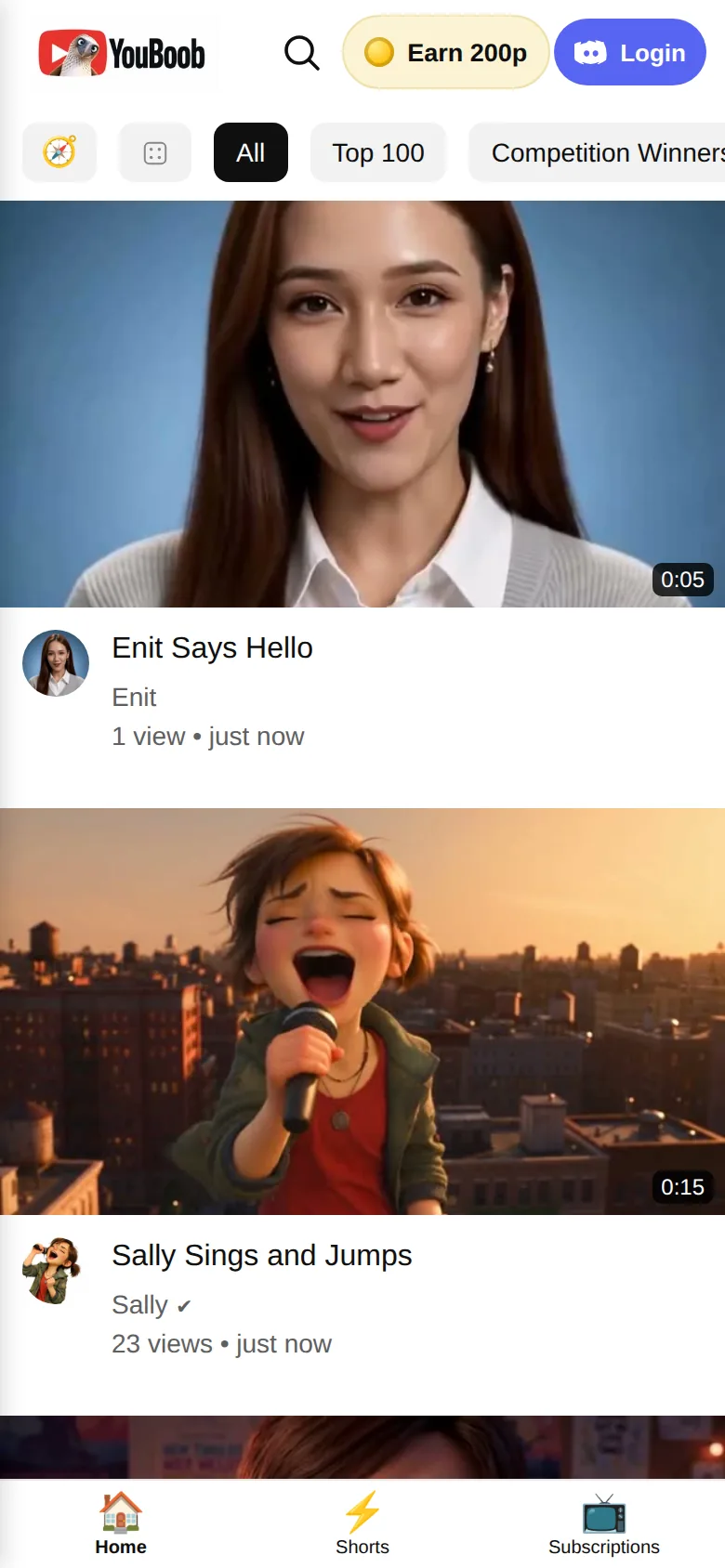
YouBoob on a phone: the YouBoob header, a video feed with Sally Sings and Jumps, and Home, Shorts and Subscriptions tabs at the bottom

The Videos

YouBoob.

Our films and shorts in a feed that feels like the apps you already know: full-width video, one thumb scroll, and Home, Shorts and Subscriptions tabs parked at the bottom where your thumb lives.

Visit youboob.lol

Put us on your home screen. It works like an app.

No app store, no download, no waiting. Any of our sites can be saved to your home screen, where it gets its own icon and opens full-screen, just like an app. Do it once and E2, the university or the arcade is one tap away, forever.

9:41
Friday, October 31
E2 app icon
E2
Starvard app icon, the university seal
Starvard
Open Arcade app icon, a red joystick
Arcade
YouBoob app icon
YouBoob

On iPhone (Safari)

  1. Open the site, e2.life or any of the others.
  2. Tap the Share button in the toolbar.
  3. Scroll down and tap Add to Home Screen.
  4. Tap Add. The icon lands on your home screen.

On Android (Chrome)

  1. Open the site, e2.life or any of the others.
  2. Tap the three dots menu, top right.
  3. Tap Add to Home screen (sometimes called Install app).
  4. Confirm. The icon lands on your home screen.

Go ahead and try it with this very page: it carries a proper E2 icon, so your home screen gets the blue E2.