Starvard University · Web Development
Build things on the internet. From your first HTML page to a real website live on the web, in plain English, no computer science degree required.

The whole course in brief
The twelve lessons
Lesson 1
Type a web address and your browser sends a request across the internet to a server, a computer that is always on and waiting. The server sends back files: HTML, CSS, images. Your browser reads those files and paints the page. Request, response, render. That loop is the entire web.
A URL is just an address with instructions. The domain names the server, the path names the file or page on it. When you "go to" a site, you are downloading its files to your own machine and viewing them locally. This is why pages load fast the second time: your browser kept a copy.
Two vocab words and you are fluent in developer small talk. Frontend is what runs in the browser, the part visitors see. Backend is what runs on the server, databases and logic visitors never see. This course is frontend-first, because it is the fastest path from zero to something you can show people.
Lesson 2
HTML is a set of labeled containers called tags. A heading is <h1>, a paragraph is <p>, a link is <a>, an image is <img>. You wrap your content in tags to tell the browser what each piece is. That is genuinely all HTML does: label content so the browser knows how to treat it.
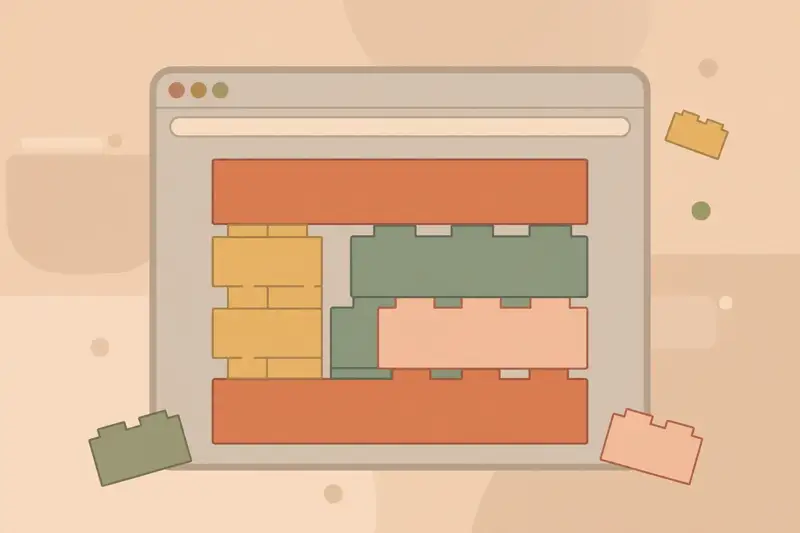
Tags nest inside each other like boxes. A page is a big box containing a header box, a main box, a footer box, each holding smaller boxes. This nesting is called the document tree, and once you see pages as nested boxes, layout stops being mysterious. Every layout problem is a box problem.
HTML is forgiving, which makes it the perfect first language. Forget a closing tag and the browser guesses what you meant instead of crashing. You cannot break anything. Open any text editor, type a few tags, save it, open it in a browser, and you have made a web page.
Lesson 3
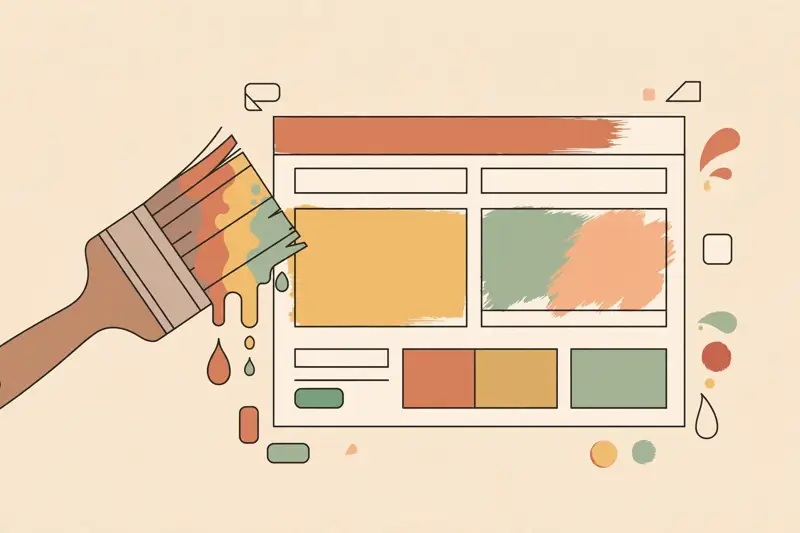
If HTML is the skeleton, CSS is everything visual: colors, fonts, sizes, spacing, and where the boxes sit on the page. A CSS rule has two parts: a selector that picks which elements to style, and declarations that say how. One rule can restyle a hundred elements at once, which is the whole point.
The box model is the one concept that unlocks everything. Every element is a box with content in the middle, padding around the content, a border, and margin outside the border. When spacing looks wrong, it is always one of these four. Learn to see the boxes and CSS becomes debugging, not guessing.
Modern CSS does layout with two tools: Flexbox for lining things up in a row or column, and Grid for two-dimensional arrangements. You do not need every property memorized. You need the box model, Flexbox basics, and the confidence to experiment, because CSS rewards tinkering more than any other language.
Lesson 4
Time to build. Make a personal page: your name as a heading, a short paragraph about you, a photo, and three links to things you like. One HTML file, a few CSS rules for color and spacing. This is not a toy exercise. A clean personal page is a legitimate thing to put on the internet.
Work in small loops: change one thing, refresh the browser, look. This loop is the entire craft of frontend development. Professionals do exactly this, just faster and with fancier tools. The habit of checking your work constantly beats any amount of planning.
Keep it simple on purpose. Beginners add too much: animations, ten fonts, rainbow colors. Restraint reads as skill. One good font, generous whitespace, and readable text will make your first page look better than most of the web.
Lesson 5
JavaScript is the programming language of the browser. HTML structures, CSS styles, and JavaScript does things: respond to clicks, validate forms, fetch new data without reloading, animate. If a page reacts to you, JavaScript is behind it.
The core ideas are small in number. Variables hold values. Functions bundle actions. Events connect actions to things the user does, like clicking. Loops repeat work. Conditionals make decisions. Everything you will ever build is some combination of these five ideas arranged cleverly.
Lesson 6
Every browser ships with developer tools, usually opened with F12 or right-click and Inspect. They let you see the HTML, CSS, and JavaScript of any page, edit them live, and watch what changes. It is like lifting the hood of every car on the road.
This is the fastest way to learn. Find a site you admire, inspect it, and read how it is built. Change its colors, break its layout, fix it back. Nothing you do in DevTools affects the real site, so there is no risk and no setup. It is a free laboratory attached to the entire internet.
When your own pages misbehave, DevTools is also the debugger. The Elements panel shows your HTML and CSS live, the Console shows JavaScript errors in plain language. Most beginner bugs are found in under a minute once you look in the right panel.
Lesson 7
Git tracks every change you make to your code, so you can rewind to any earlier version. Experiment freely, because nothing is ever truly lost. Every professional developer uses it, and learning it early saves you from the special pain of overwriting a working file at midnight.
The workflow is three commands. You make changes, you stage them, you commit them with a short message describing what changed. Each commit is a save point with a note. Push sends your commits to a hosted copy on GitHub, which doubles as backup and portfolio.
GitHub is also where developers live socially. Your profile shows your projects and your activity, and employers absolutely look at it. Start pushing your course projects there from day one. A year of steady green squares on your contribution graph tells a better story than any resume line.
Lesson 8
Deploying sounds technical, but for a frontend site it means one thing: putting your files on a computer the public can reach. Modern free hosting has reduced this to connecting your GitHub and clicking a button. Your site gets a public URL in minutes.
This changes how you build. The moment your page has a real URL, it is real. Send it to friends. Put it on your resume. The psychological gap between "a file on my laptop" and "a website" is enormous, and crossing it early keeps you motivated through the harder lessons ahead.

Lesson 9
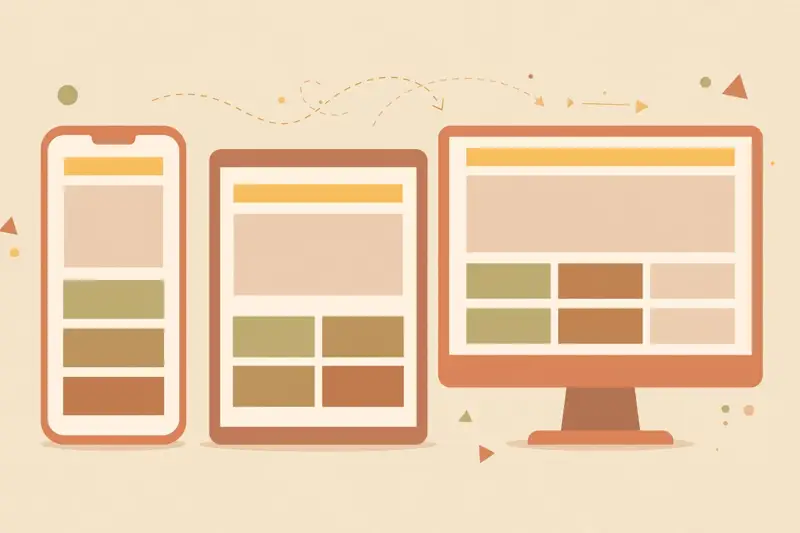
More than half of web traffic is on phones, and for many audiences it is far more. Responsive design means your layout adapts: columns stack, text stays readable, buttons stay tappable. A site that only works on desktop is a site that ignores most of its visitors.
The technique is media queries: CSS rules that kick in at certain screen widths. But the mindset matters more than the technique. Design for the small screen first, then enhance for larger ones. It is easier to add space than to squeeze a desktop layout into a phone.
Test on a real phone, not just by shrinking your desktop browser. Touch targets, load speed on cellular data, and how it feels in one hand are things simulators hide. Borrow a friend's old phone if you have to. Your users are not all on your laptop.
Lesson 10
A form turns a page from a poster into a conversation: contact forms, signups, search boxes, checkout. The HTML is simple, input fields and a submit button. The interesting part is what happens on submit, which is where frontend meets backend for the first time.
Good forms are a design skill as much as a code skill. Fewer fields convert better. Clear labels beat clever placeholders. Validate kindly: tell people what is wrong and how to fix it, the moment they can fix it, not after they hit submit three times.
For your projects, free form services can email you submissions with zero backend code. That is enough to make a working contact page today. When you outgrow it, you will learn servers, and the form will still look the same to the visitor.
Lesson 11
An API is a way for your page to ask another service for data: the weather, a map, a list of movies, a payment processor. Instead of building everything yourself, you borrow. Modern web development is largely the art of combining APIs well.
The pattern is always the same: your JavaScript sends a request to a URL, gets data back (usually as JSON, a simple text format), and displays it. Learn this loop once and thousands of services open up to you. Your projects get dramatically more impressive with very little extra code.
Lesson 12
Nobody hires a web developer for certificates. They hire for proof. Your portfolio is one page with three to five finished projects, each live, each with a sentence about what it does and what you learned. That page is worth more than any credential in this field.
Pick projects that show range: a polished personal site, a small interactive app, a page that uses an API, a clone of a site you admire built from scratch. Finish them. Half-done projects do not count. Employers and clients are buying evidence that you ship.
Then keep building in public. Write short posts about what you learned, share the links, ask for feedback. The developers who get opportunities are rarely the most talented. They are the most visible. Your portfolio is the start of that visibility.
Graduation
You know how the web works, how to structure, style, and animate a page, how to save your work, put it live, make it work on phones, collect input, and borrow power from APIs. That is the complete frontend foundation. Everything from here is depth, not new continents. Keep building, keep shipping, keep the portfolio growing.
Get certified
Prove you know it. Earn your Web Development 101 certificate.
10 questions. Score 7 or more. $5, yours forever.
Keep learning
This course is part of Starvard University, striving for greatness.